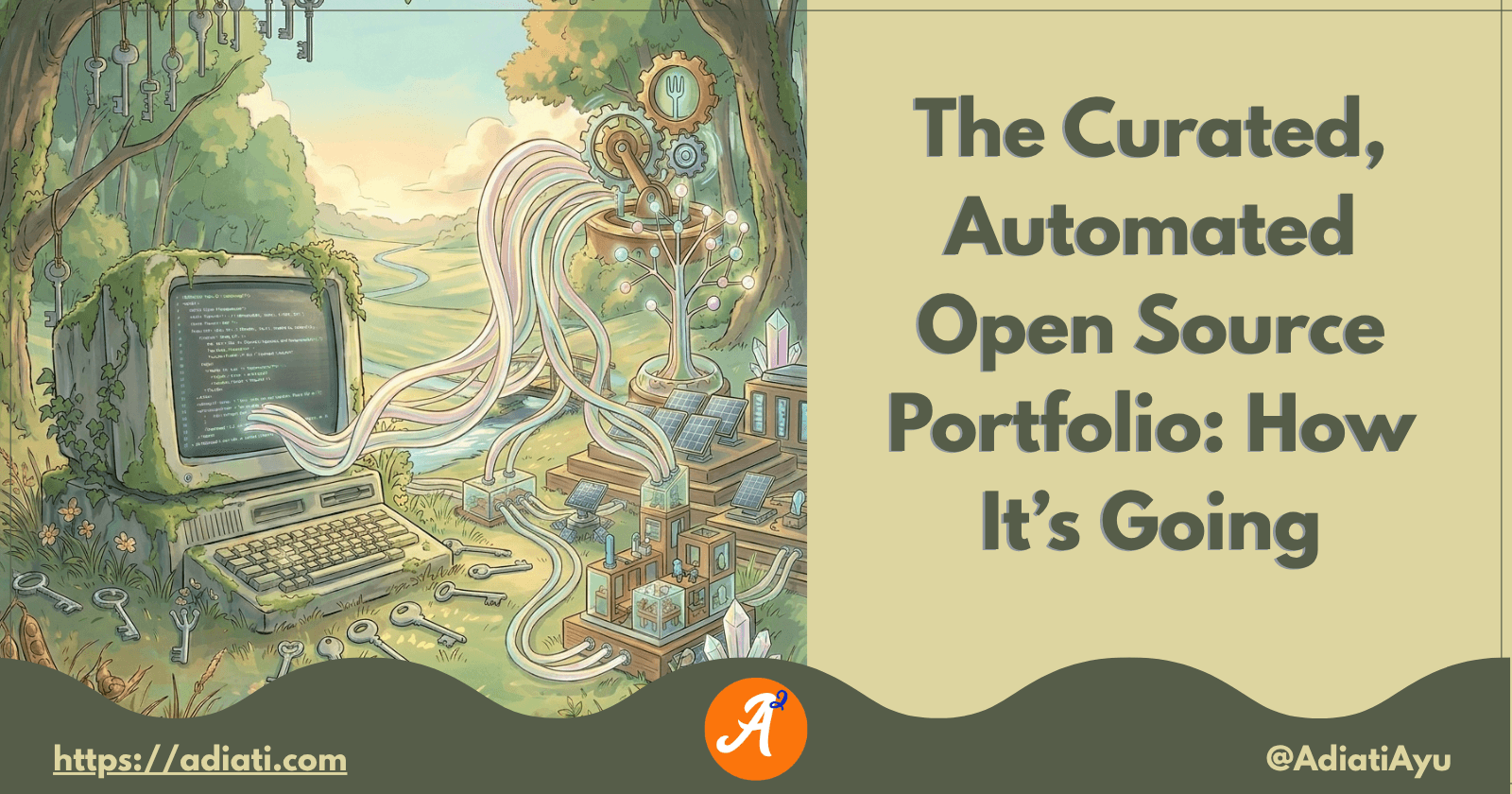
The Curated, Automated Open Source Portfolio: How It’s Going
A
Ayu is a tech blogger, open source contributor & maintainer, and tech community enthusiast based in the Netherlands. She loves photography and iced coffee!
Search for a command to run...
Ayu is a tech blogger, open source contributor & maintainer, and tech community enthusiast based in the Netherlands. She loves photography and iced coffee!
No comments yet. Be the first to comment.
Hi friends 👋, I've been writing tech blog posts for a few years now. If you don't know me yet, English is my second language. My mother tongue is Indonesian, and I'm also surrounded by Dutch every da
I frequently receive messages from enthusiastic contributors who have completed 2 or 3 high-quality pull requests (PRs) in just 1 month. They’re proactive, their work is top-tier, and they’ve handled
Recently, I read Bekah Hawrot Weigel’s blog post, "When 'Local' Went Global: The Pandemic Era of International Communities." As someone active in many online communities, I found it a bit sad, but I agree with her points and think they apply to open ...
Hacktoberfest is almost over. How has your contribution journey been so far? Are you confident about contributing to open source projects, or are you still struggling to find your way? If you're new to open source and still feel overwhelmed, that's c...
A few months ago, I shared a story about building an automated open source portfolio using just my smartphone and an AI assistant while on vacation. My main goal was to stop the "spreadsheet struggle" for myself. However, as I mentioned in that first post, I also wanted to create something others could use to track their own open source progress.
Since then, the project has grown so much. I still use AI to build and refine the code, just as I did when I first started. I’ve added more features that capture the "invisible" work of open source. But as I kept building, I realized that to truly help other folks track their journeys, I needed to make a clear distinction between my personal needs and the core features that everyone can use.
This is the story of how the portfolio evolved, the new features I’ve added, and how I finally turned it into a template for everyone.
In my first post, I shared how I automated the tracking of my daily tasks — merged PRs, issues, and PR reviews. That system was a great "log," but a list of links only tells part of the story. Since then, I’ve shifted my focus from simply recording work to visualizing impact. I wanted to turn a list of links into a clearer picture of my work and make the tool adaptable for anyone's journey.
One of the biggest updates was the addition of Co-authored PRs. Collaboration often happens through the tools we use every day, but it also happens in different ways depending on the situation.
As a maintainer, I frequently leave "code suggestions" on a contributor's PR. When they accept and commit those suggestions, GitHub credits both of us for that code. Sometimes, if a PR is nearly ready but needs a final push, I assist by committing locally to help them reach the finish line.
Before, my portfolio wouldn't show this specific kind of help. Now, the script is smart enough to find these co-authored commits. To ensure the most accurate report possible, I implemented a critical refactoring so that a single PR can now exist in multiple categories simultaneously — like being both reviewed and co-authored — without any data conflict. Giving direct, usable code feedback is a major part of being a maintainer, and now it’s finally visible.
While a list of links is useful, it’s hard to see the "big picture" quickly. To solve this, I added bar charts. Now, you can see exactly what percentage of your work goes into code, how much is spent reviewing, and how much is dedicated to general collaboration. It turns a wall of text into a clear picture of your impact.
I wanted to add personality to the data, so I built the Collaboration Profile. The script analyzes your contribution data and gives you a "Persona Title." For example, if you do a lot of reviews and give code suggestions, the system might call you a Community Mentor. If you focus on finding bugs and planning features, you might be called a Project Architect. It’s a simple way to show your unique style as a contributor.
I also built an HTML version that you can host as a static website. To give you the freedom to make the portfolio truly yours, I made it easy to customize. By changing a few simple color codes in the settings, you can align the website — including the backgrounds, buttons, and even the browser icon — with your own personal brand.
As I built these features, I started adding features specific to my own journey, like my leadership roles in the Mautic and Virtual Coffee communities and my articles on dev.to and freeCodeCamp.
I soon realized that not everyone has the same path. Someone who's starting their first contributions doesn't need a "Leadership" page, and a developer who only wants to code might find an "Articles" section distracting. If I kept my own personal needs in the main project, it would become too complicated for others to use.
I knew from the start that I wanted this tool to be for everyone. To stay true to that goal, I decided to split the project.
I created a template of the project for the community. This is the standard 'core' version, featuring all the essential features like automatic tracking, charts, and the persona profile, ready for anyone to use.
I also kept the Markdown version. Not everyone wants to host a static website or manage a deployment. For those users, they can simply point others to the generated Markdown files directly on GitHub.
I kept my original open source portfolio repository as my personal workshop. This is where I experiment with features that fit my personal open source journey.
Articles Page: I built a custom fetcher script that uses an API to automatically pull my latest posts from dev.to. I even added a smart filter to make sure it only displays articles tagged with "open-source" or "github." For platforms like freeCodeCamp, I manually list the articles to ensure everything is sorted perfectly by date.
Community & Activity: This page shows my leadership roles and community awards. I'm also working on a live Workbench section. Though it's still a work in progress, the goal is to show what I'm working on right now as a maintainer, such as open PRs that still need my review. It helps me stay organized and shows others my current focus.
You can see the final result of the project on my automated portfolio site.
I’m really excited to see where the template goes from here. I feel like splitting the project was the right move. It keeps the core tool simple for everyone to use, while giving me a "sandbox" to play with more complex features like my leadership and activity pages.
Ultimately, my goal for both versions is the same: to make the invisible work of open source visible. Whether you decide to try the template or fork my personal version, I hope these tools help you showcase the amazing work you’re doing.
What’s one part of your workflow that you wish were automated? Let’s chat in the comments!