Tips For Writing Good Alt Text In HTML
A
Ayu is a tech blogger, open source contributor & maintainer, and tech community enthusiast based in the Netherlands. She loves photography and iced coffee!
Search for a command to run...
Ayu is a tech blogger, open source contributor & maintainer, and tech community enthusiast based in the Netherlands. She loves photography and iced coffee!
Thank you for reading, Margaret Goldman 😀
🙅♂️Just say no to this:
Another alternative is to leave the alt text empty. Most screen readers will skip reading an image with empty alt text.
There is no alternative, either it's content (and deserves alt) or style (and should be in CSS).
Although I do like that you included what happens when there's no alt text.
Hi Daniel,
Thank you for the feedback 😊
I agree that images should have alt text. And whenever images are presented for pure decoration purposes, the best way is to use CSS to add those images.
However, when using CSS is not an option, another alternative is to have null alt text. That means, we still provide the alt attribute, but with empty text to be ignored by the Assistive Technology such as screen readers. This technique still complies with WCAG 2.1.
Thank you for reading my post 😊
Ayu Adiati I get that realistically there may be some reason why no alt is there and the dev has no control over it (perhaps it's a CMS and the user skips to add a description..)
I believe in that case the dev should advocate to make it a mandatory field and explain the importance to the end-user
As even that may not be possible in some organisations I do appreciate that you consider what may be called a progressive enhancement approach to accessibility
Good advice, Daniel Cobo. Thank you 🙂
Hi friends 👋, I've been writing tech blog posts for a few years now. If you don't know me yet, English is my second language. My mother tongue is Indonesian, and I'm also surrounded by Dutch every da
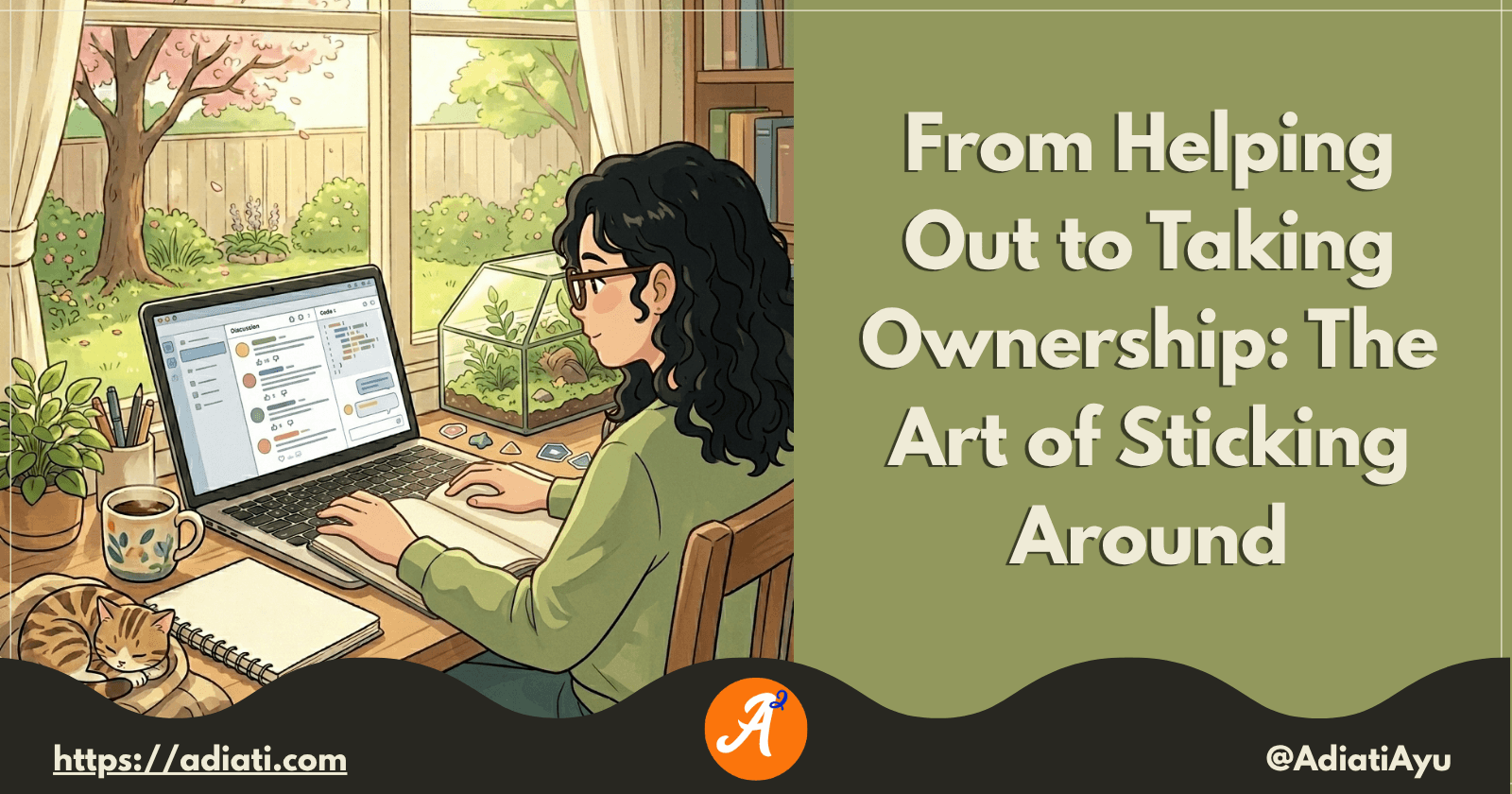
I frequently receive messages from enthusiastic contributors who have completed 2 or 3 high-quality pull requests (PRs) in just 1 month. They’re proactive, their work is top-tier, and they’ve handled
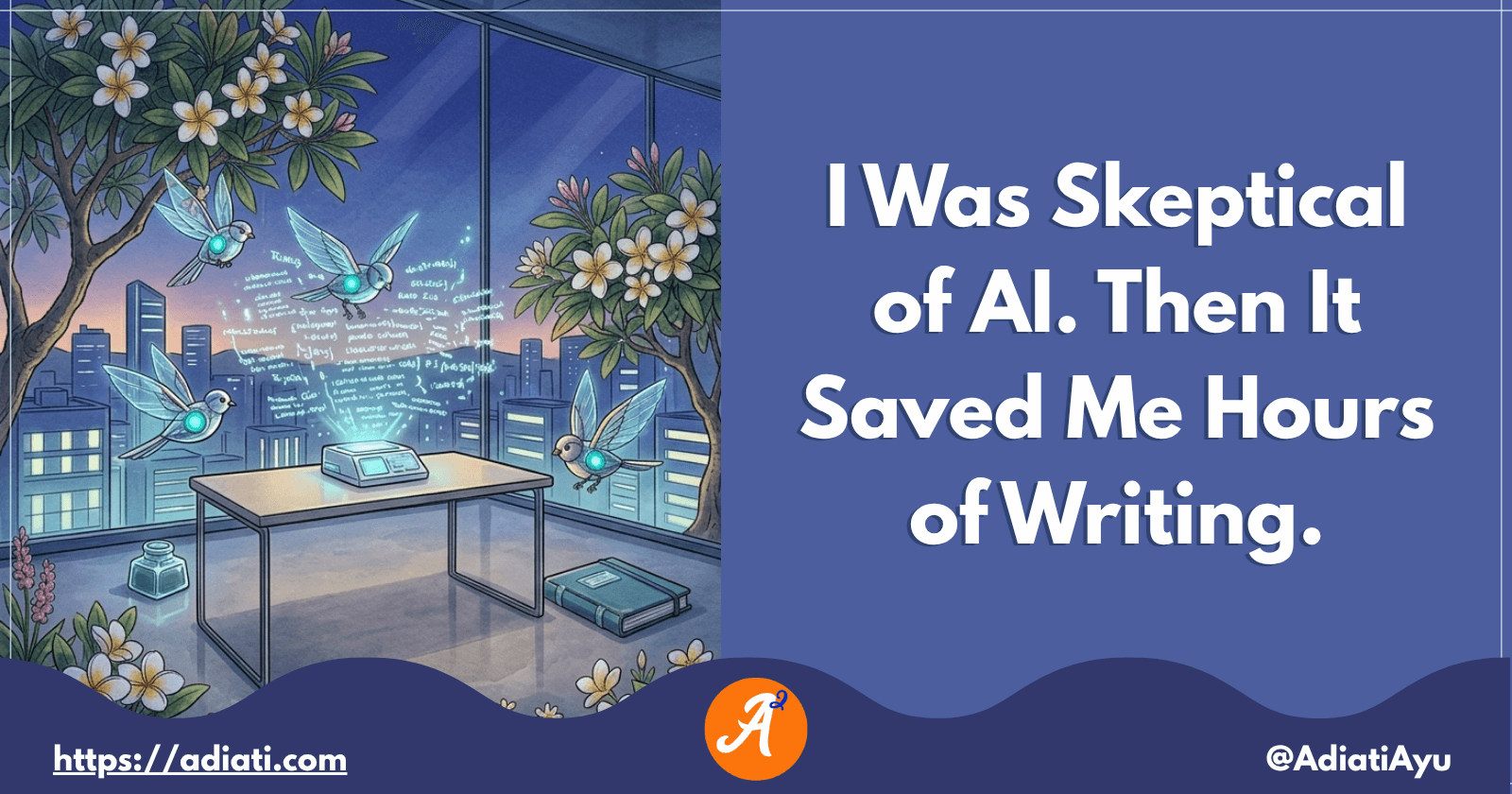
A few months ago, I shared a story about building an automated open source portfolio using just my smartphone and an AI assistant while on vacation. My main goal was to stop the "spreadsheet struggle"

Recently, I read Bekah Hawrot Weigel’s blog post, "When 'Local' Went Global: The Pandemic Era of International Communities." As someone active in many online communities, I found it a bit sad, but I agree with her points and think they apply to open ...

Hacktoberfest is almost over. How has your contribution journey been so far? Are you confident about contributing to open source projects, or are you still struggling to find your way? If you're new to open source and still feel overwhelmed, that's c...

Hello Fellow Codenewbies 👋,
Sometimes we forget or ignore writing an alt text.
One of the reasons I often hear is that we don't know what to write, skip it for later, and then forget to write it down. Or, we write something, but not descriptive enough.
I hope after reading this article, we will start to get more aware of alt text and know how to write a good one.
Alt text is an alternative text to describe an image.
<img src="pancake.png" alt="stack of strawberry pancakes on white table">
Imagine when we open a page and an image fails to render. Without a descriptive alt text, we will only see a broken image without knowing what image we are seeing.
A descriptive alt text will help every internet user.
For people with visuals impairment, the screen readers will read the image's alt text for them.
And when an image fails to render, alt text will be the description of the broken image for everyone to read.
An image with alt text will optimize the image SEO in particular, and the website in general. It will help our image to get discovered by search engines and get ranked.
We need to think about writing a good alt text so that our image and product can reach a bigger audience.
Let's take an example from this image.
 Photo by Jarek Ceborski - Unsplash
A long descriptive alt text doesn't mean a good one.
<img src="woman-holding-teacup.jpg" alt="woman in white long-sleeve shirt sitting on a gray chair in a living room while holding a saucer and a teacup">
But also bear in mind, short alt text doesn't mean that we put a bunch of keywords as if we write hashtags. Doing this can make people, especially those who use screen readers, confuse. Search engines will also think that we have untrustworthy images and websites.
<img src="woman-holding-teacup.jpg" alt="woman hands long-sleeve shirt teacup chair">
✅ We need to write a short, specific, and descriptive alt text. Consider putting in the most important information in the image.
<img src="woman-holding-teacup.jpg" alt="woman in white long-sleeve shirt sitting and holding teacup">
<img src="woman-holding-teacup.jpg" alt="picture of woman in white long-sleeve shirt sitting and holding teacup">
<img src="woman-holding-teacup.jpg" alt="woman-in-white-long-sleeve-shirt-sitting-and-holding-teacup">
An image with pure decoration purposes doesn't need alt text.
The best way is to add this image with CSS as the example below.
Another alternative is to leave the alt text empty (null alt text). Most screen readers will skip reading an image with empty alt text.
When we don't provide alt text, some screen readers will read the image's file name. Thus, it is a good practice to name our file as a short description of the picture.
<img src="woman-holding-teacup.jpg" alt="">
Thank you for reading!
Last but not least, you can find me on Twitter. Let's connect! 😊